

























Choosing the best email API services can be challenging, given the numerous factors that contribute to an API’s value, such as deliverability rate, latency, supported languages, analytics and reporting, and the list goes on and on.
But it doesn’t have to be, and it will not be, after this detailed guide that explores the best email API services for developers.
Later in this guide, you will learn how we chose this list, what makes them good, and their pros and cons without any partiality.
Before diving into the article, please note that the best email API service is the one that matches the requirements of your business, app, or simply your needs.
The following list features email service providers. It’s worth noticing that not all such services offer email API services. It is often used interchangeably, which is incorrect.
Here’s what differs between them.
Email Service Provider vs. Email API Service
An email service provider (ESP) is a platform that enables users to send, receive, and manage emails, often through a web interface or desktop client. These services are typically aimed at marketers, businesses, or individual users, offering features like contact management, campaign scheduling, and drag‑and‑drop builders.
An email API service, on the other hand, provides developers with programmatic access to email‑sending capabilities via REST, SMTP, or other API endpoints. This allows emails to be sent, tracked, and managed directly from an application’s codebase without manual intervention.
While some ESPs also provide APIs, not all do. This is why it’s crucial to verify whether the provider you’re considering supports API‑based sending before making a decision. The following table compares the two for a clear picture:
| Feature / Aspect | Email Service Provider (ESP) | Email API Service | Hybrid (Offers both services) |
| Primary Audience | Marketers, businesses, and end‑users | Developers, technical teams | Both developers and marketing teams |
| Access Method | Web interface, desktop, or mobile app | REST API, SMTP API, SDKs | Web UI plus API endpoints |
| Common Use Cases | Campaign creation, newsletters, and contact list management | Transactional emails, automated notifications, and system alerts | Marketing campaigns and transactional/automated emails |
| Integration | Minimal coding, mostly UI‑based setup | Deep application integration through code | UI for non‑technical users and API for developers |
| Customization | Limited to templates and UI features | Fully customizable via code and API parameters | Mix of drag‑and‑drop design tools and code‑level customization |
| Examples | Gmail, Outlook, Zoho Mail | Postmark, Mailgun, Amazon SES | SendGrid, Mailchimp, Brevo (formerly Sendinblue) |
What To Look For in an Email API Service?
Before the list, it’s important to understand what makes an email API service worth it. This section reveals the features you should look for before selecting an email API service:
- Deliverability rate. High deliverability ensures that your emails land in the inbox rather than the spam folder. Look for providers with a strong sending reputation.
- Latency and speed. Transactional emails, like password resets or verification codes, must arrive instantly. A reliable API should process and deliver messages within seconds.
- API documentation quality. Clear, well-structured documentation saves hours of development time. It should include code examples, SDK references, and troubleshooting guides for multiple programming languages.
- Scalability. Your chosen service should handle your current needs while also allowing for easy upgrades for future growth.
- Security and compliance. Look for features like TLS encryption, SPF/DKIM/DMARC support, and compliance with laws such as GDPR or CAN‑SPAM. This protects user data and helps maintain your sending reputation.
- Analytics and reporting. Detailed reporting on delivery rates, open rates, clicks, and bounces allows you to monitor performance and quickly address deliverability issues.
- Customer support. Responsive, knowledgeable support can be critical when email is a core function of your app. Ensure the provider offers timely assistance via multiple channels.
- Value for money. Pricing should align with the features, performance, and scalability offered. The most expensive option isn’t always the best, and the cheapest can cost more in the long run if deliverability or support is lacking.
Now, let’s list some services that tick all the aforementioned boxes. Please note that this list is for educational purposes, and it does not rank the providers.
Best Email API Services For Developers
A reminder that the services listed below are selected based on evaluating qualities stated in the previous section. The better choice for you may differ. Having said that, let’s jump into the services.
Short on time?
The following comparison table encapsulates the entire information in a skimmable format. For further elaboration, please keep reading.
| Service | Free Plan Details | Paid Plans & Pricing | Best For |
| Resend | A generous free tier that includes 3,000 emails per month and 1-day data retention. | Transactional emails: developers who need exceptional speed and reliability for critical communications. | Developers who prioritize an elegant, modern, and simple API experience for quick integration and reliable delivery. |
| Postmark | Offers a free developer plan with 100 emails per month, which never expires. | Paid plans start at $15/month for 10,000 emails. Additional emails are billed at a flat rate. Higher-volume plans and dedicated IPs are available. | Transactional emails; developers who need exceptional speed and reliability for critical communications. |
| Brevo | A free plan that includes 300 emails per day (approximately 9,000 per month), templates, automation, and unlimited contacts. | Starter plans begin at $9/month. Transactional API packs for high-volume sending start at $15/month for 20,000 emails. Pricing is based on email volume. | Small to medium-sized businesses that want both marketing and transactional email capabilities in one platform. |
| Mailgun | A free trial with 5,000 emails per month to authorized test addresses. | The Foundation plan starts at $35/month for 50,000 emails. The Scale plan starts at $90/month for 100,000 emails. Custom plans are available for higher volumes. | Developer-focused teams that require advanced features like email validation, routing, and analytics beyond basic sending. |
| SendGrid | A generous free tier of 100 emails per day for its Email API, making it suitable for development and small projects. | The Essentials plan starts at $19.95/month. The Pro plan starts at $89.95/month and includes a dedicated IP address. Pay-as-you-go credit bundles are also an option. | Versatile and scalable applications that need both transactional and marketing email support from a trusted provider. |
| Amazon SES | Up to 3,000 message charges per month are included for the first 12 months after account creation. | A pay-as-you-go model with a base price of $0.10 per 1,000 emails. Data transfer and other features (like dedicated IPs) are billed separately. | Developers and businesses in the AWS ecosystem who need a highly scalable, flexible, and extremely cost-effective solution for large-scale sending. |
| Mailtrap | A free plan for testing with up to 1,000 emails per month. It’s intended for a staging and debugging environment. | Production plans start at $10/month for 10,000 emails, with team and business plans scaling up to 500,000 emails per month or more. | Developers and QA teams who need a safe and isolated environment to test, debug, and inspect emails without sending them to real users. |
| SparkPost | Offers a free trial and an entry-level Starter plan. | The Starter plan costs around $20/month for 50,000 emails. Higher-tier Premier plans are available with more advanced features, and custom enterprise pricing is offered for large volumes. | Enterprise-level businesses that need a high-performance email API with advanced deliverability tools and analytics for massive email volumes. |
| MailerSend | A generous «Hobby» plan with 3,000 emails per month, including API, SMTP, webhooks, and analytics. | The Starter plan is $28/month (billed annually) for up to 50,000 emails. Overage rates are $0.95 per 1,000 emails. Professional and Enterprise plans are also available. | Developers who need a clean API, a generous free tier, and an easy-to-use template builder, with a focus on great customer experience. |
| Elastic Email | A «Free Forever» plan with 100 emails/day, which is suitable for testing. Also offers basic templates and analytics. | The API-only Starter plan starts at $19/month for 50,000 emails. A Pro plan costs $49/month. Pay-as-you-go options are also available starting around $0.10/1,000 emails. | Growing businesses on a tight budget requiring an all-in-one platform with both transactional and marketing capabilities. |
| Mailjet | A free forever plan that allows up to 6,000 emails per month with a daily limit of 200 emails. It includes a basic email editor and APIs. | The Essential plan starts from $17/month for 15,000 emails and unlimited contacts. The Premium plan, which adds automations and other features, starts at $27/month. | Teams (both developers and designers) who need collaboration tools and a balance between code-level control and user-friendly design features. |
| SMTP2GO | A persistent free plan allowing up to 1,000 emails per month, with a daily limit of 200. | The Starter plan is $10/month for 10,000 emails. The Professional plan at $75/month includes a dedicated IP address. Custom pricing is available for high-volume senders. | Developers looking for an effortless setup and a simple, intuitive interface with automated deliverability management. |
Resend
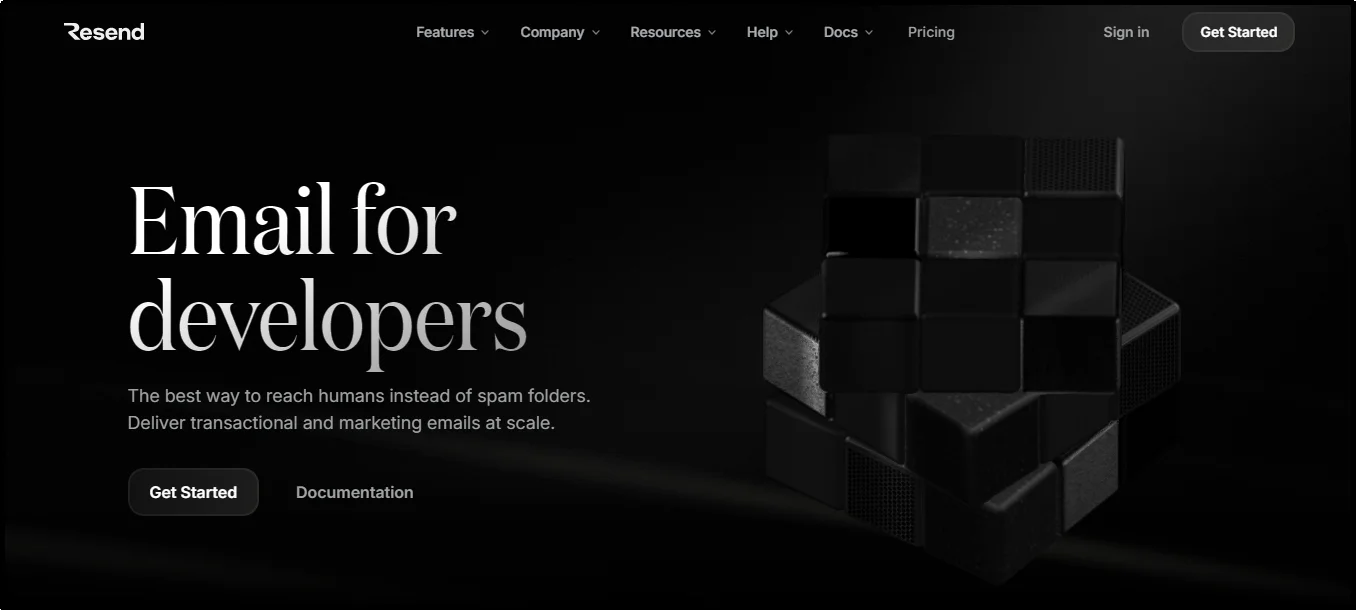
Resend is a modern email API service crafted specifically for developers who want an intuitive coding experience.
Designed with simplicity in mind, it offers SDK support across a wide range of languages, including Node.js, Python, Ruby, Go, Rust, PHP, Java, Elixir, .NET, as well as REST and SMTP integration.
The platform emphasizes clean, fail-safe email delivery workflows, ensuring that developers can begin sending emails in minutes with minimal setup.
Why You Should Consider Resend
- Outstanding developer experience with elegant SDKs for most major languages and zero boilerplate integration.
- Onboarding is ultra-fast. You can begin sending emails within minutes, so projects move from idea to delivery without friction.
- It is a modern platform and minimizes complexity while maintaining reliability for both transactional and marketing use cases.
- It is widely used, particularly among fast-moving startups and developer communities that appreciate simplicity and robustness.
Drawbacks
- Resend is newer than others in this list, so its feature set and ecosystem are less extensive at this stage. In other words, it’s okay to say this platform is still maturing.
- You may need to reach out directly to understand the cost at scale; the information available online is insufficient to figure out accurate pricing.
Pricing
Resend offers different pricing plans for transactional and marketing emails. For transactional emails, here’s how the pricing plan looks:
- The free plan offers 3000 emails per month.
- The pro costs $20/month and allows for sending 50,000 emails per month, along with other benefits.
- The scale plan, which costs $90/month, allows sending 100k emails per month.
- Finally, you can avail the Enterprise plan at custom prices that also include priority support, no daily limits, flexible domains, and more.
Postmark
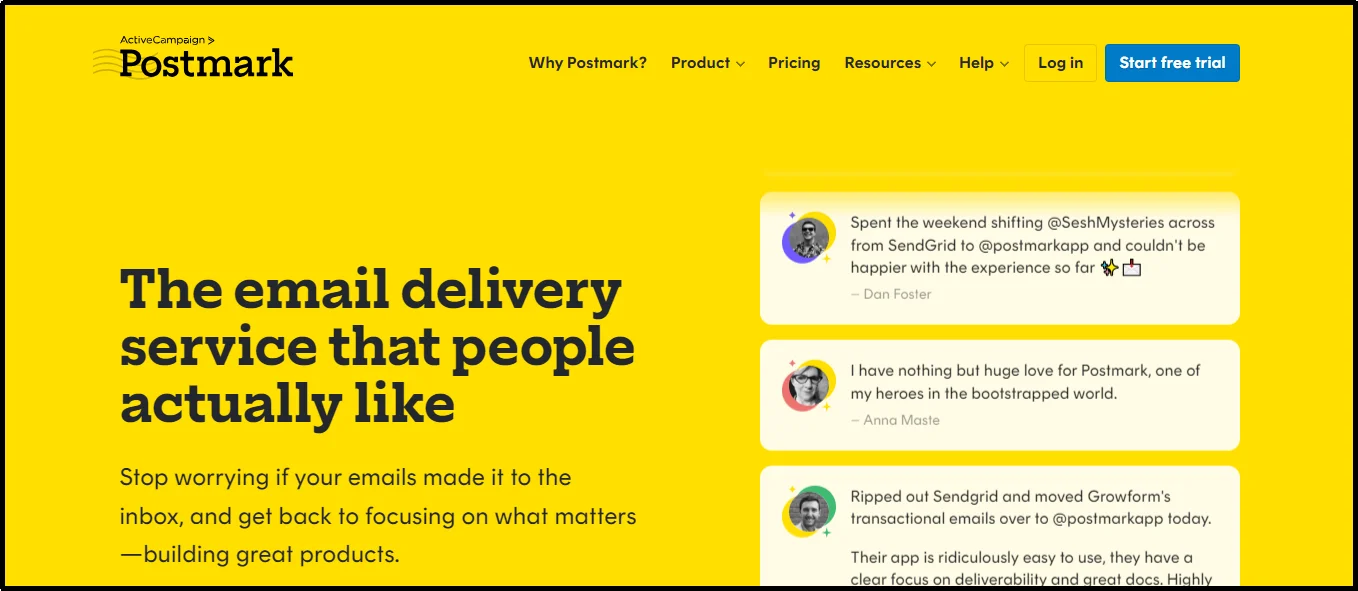
Postmark is a specialized email API service dedicated to transactional email delivery.
It handles critical communications such as password resets, account verification emails, receipts, and order notifications with exceptional speed and reliability.
Unlike traditional email service providers, it does not include bulk marketing campaign tools or contact management features, allowing its infrastructure to remain optimized solely for transactional traffic.
Since being acquired by ActiveCampaign, Postmark has introduced tighter integrations for users who want to pair transactional delivery with marketing automation, but as a standalone product, it continues to focus exclusively on developer-friendly APIs and clean documentation.
The platform offers a straightforward pricing model, a well-designed dashboard with real-time activity tracking, and SDKs for a wide range of programming languages.
Why You Should Consider Postmark
- Lightning-fast delivery, often under one second, for time-sensitive emails.
- Exceptional deliverability rates supported by a strong sending reputation.
- Comprehensive API documentation and client libraries for over 20 programming languages.
- Real-time analytics and event tracking for sent messages.
- Transparent pricing with a functional free tier and no hidden fees.
- Well-regarded support team with fast, helpful responses.
Drawbacks
- No built-in tools for marketing campaigns, audience segmentation, or list management.
- Pricing can be higher than high-volume competitors like Amazon SES.
- Limited message retention (around 45 days), with no long-term archiving options.
Pricing
- Postmark offers a free tier with up to 100 emails per month, ideal for testing or very small-scale use.
- Paid plans start at $15 per month for 10,000 emails, with additional emails billed at a flat per‑1,000 rate.
- Pro plan costs $16.50 per month.
- The platform plan targeted at agencies and larger teams costs $18/month.
- For higher sending requirements, you can request a custom plan.
Pricing is transparent and predictable, but it can become less competitive for very high-volume senders compared to bulk-oriented providers.
Brevo (formerly Sendinblue)
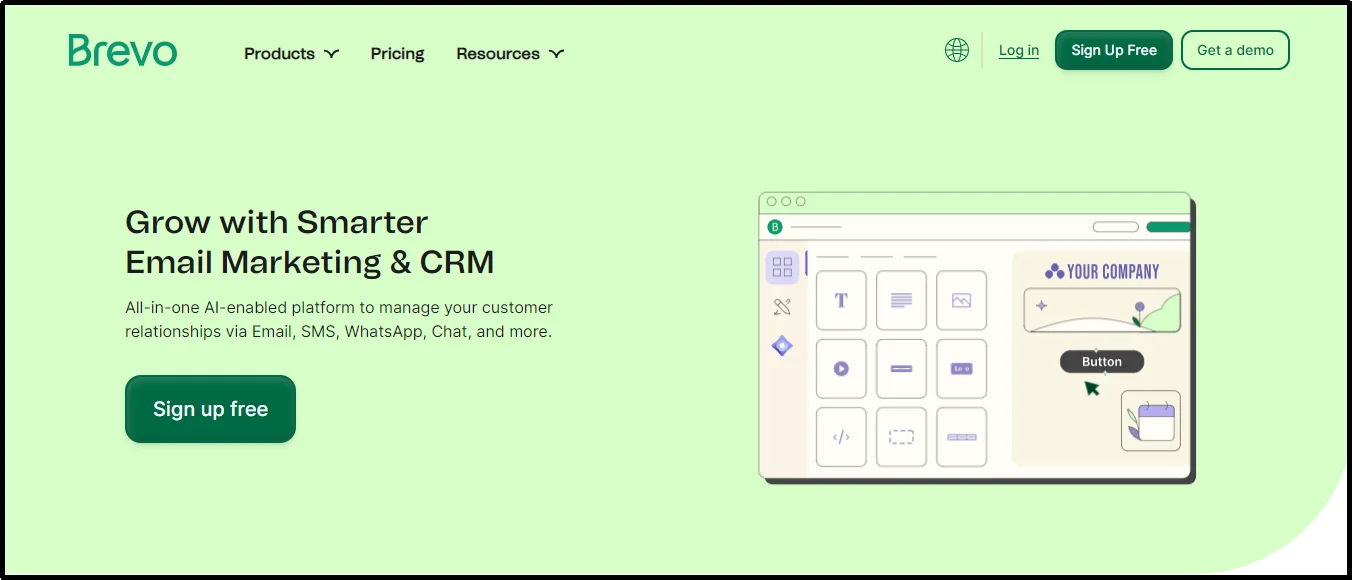
Brevo is an all-in-one email and CRM platform designed for small to medium-sized businesses seeking both marketing and transactional email capabilities under one roof.
It offers email marketing, transactional email APIs, SMS/WhatsApp messaging, live chat, landing pages, CRM, and marketing automation. While also being high-level GDPR compliant.
The platform supports transactional sending via API or SMTP (with webhooks), and includes a templating system that supports drag-and-drop, rich text, and HTML modes.
Through a single dashboard, you can access dynamic personalization, real-time analytics, and automated workflows.
Why You Should Consider Brevo
- Brevo handles unified marketing and transactional solutions from one platform, reducing integration hassles.
- Offer a wide range of developer-friendly transactional API and support REST, SMTP, and webhooks with SDKs in popular languages like Python, Node.js, PHP, Go, C#, and more.
- Generous free tier and scalable pricing, allowing for sending 300 emails/day free, and custom pricing for enterprise, which we will look at in a minute.
- Feature-rich, including marketing automation, landing pages, SMS/WhatsApp campaigns, CRM, and more.
Drawbacks
- Users report buggy template builders. Sometimes, you may encounter complications, such as text disappearing or version mismatches.
- The documentation is outdated, which can be frustrating.
- The company has strict account restriction policies, which can lead to suspension of a user account without a clear warning.
- Though the API is supported, advanced transactional-centric teams may find other specialized API services more reliable or easier to integrate.
Pricing
- Free Plan: 300 emails/day (≈9,000/month) with templates, automation, transactional support, and unlimited contacts.
- Starter ($8/month): Removes daily limit, adds analytics, and email support
- Business ($16/month): Unlocks A/B testing, landing pages, advanced analytics, predictive sending, and live support.
- Enterprise: Custom pricing, includes advanced integrations, compliance features, dedicated IPs, and account management.
- Transactional API Packs: For high-volume transactional sending, plans begin at $15/month for 20,000 emails.
Mailgun
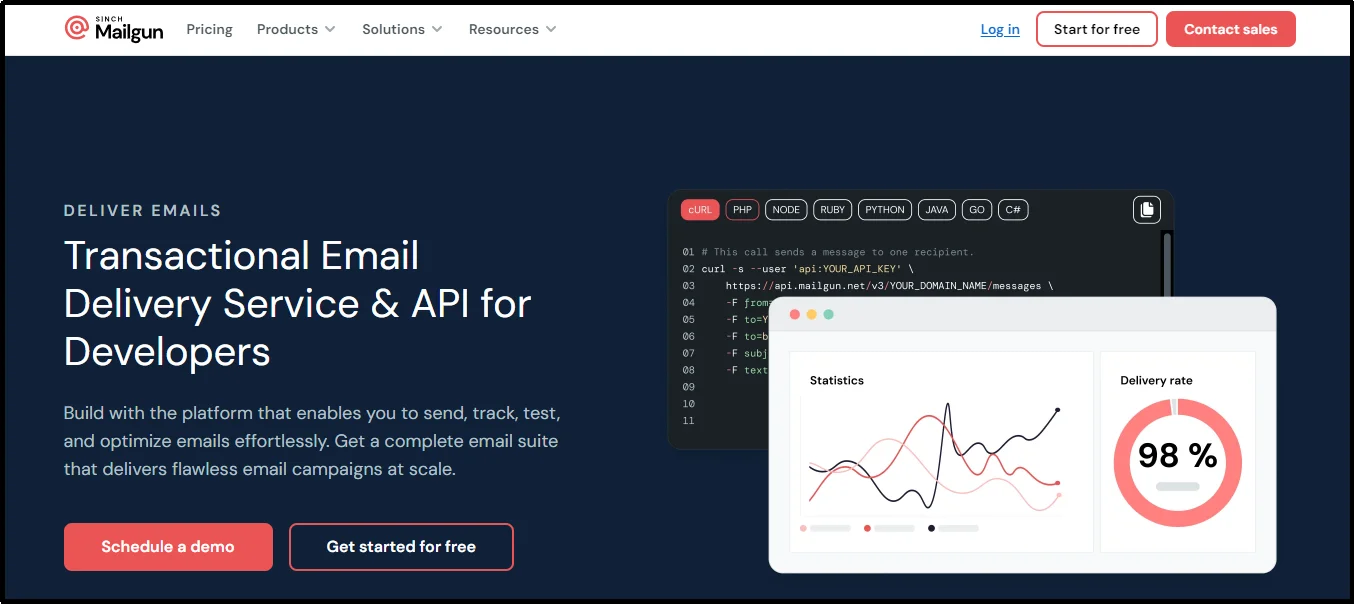
Mailgun is a developer-focused email API service that excels at transactional sending while also supporting marketing-oriented campaigns.
It provides flexible REST and SMTP APIs, advanced routing options, real-time analytics, email validation tools, and inbox placement testing.
Developers can manage templates, schedule batch sends, and integrate Mailgun into nearly any application using its SDKs for popular programming languages.
Its scalable infrastructure and strong deliverability reputation have made it a trusted choice for numerous billion-dollar businesses.
It is particularly well-suited for teams that require more than just basic sending capabilities. The service offers automated transactional workflows, targeted marketing messages, and flexibility to handle both within a single platform.
While its rich feature set can feel complex for smaller teams, it remains one of the most capable and feature-rich email API services in this list.
Why You Should Consider Mailgun
- Strong deliverability backed by tools like inbox placement testing and optional dedicated IPs
- Extensive API capabilities with support for both transactional and marketing workflows
- Email validation features to maintain clean, high-quality recipient lists
- SDKs for multiple programming languages, enabling quick integration in diverse environments
- Send time optimization to improve engagement rates for marketing emails
- Scalable infrastructure designed for businesses that expect to grow their email volume
Drawbacks
- Shared IP reputation can be inconsistent, sometimes leading to deliverability issues without a dedicated IP address.
- Customer support responsiveness can be slower for non‑enterprise plans.
- The platform’s depth of features can feel overwhelming for smaller or less technical teams.
Pricing
- Mailgun offers a trial that includes up to 5,000 emails per month to authorized test addresses.
- The Basic plan starts at $15/month and includes 10,000 emails.
- The Foundation plan starts at $35/month for 50,000 emails with 5‑day log retention.
- The Scale plan begins at $90/month for 100,000 emails and includes inbox placement testing, send time optimization, and 30‑day log retention.
SendGrid
Twilio SendGrid is a versatile and scalable email API platform that serves both transactional and marketing use cases.
Its RESTful APIs, SMTP relay, and SDK coverage make it a popular choice for developers building apps, SaaS platforms, or any system requiring automated email flows.
Beyond just sending, SendGrid offers features like custom domain authentication (SPF/DKIM), real-time analytics, dynamic template editing, and advanced deliverability tools, such as suppression management and reputation tracking.
While it excels in high-volume reliability and flexibility, similar to Mailgun, its feature-rich surface can feel overwhelming for less technical teams. This is not a drawback of the service, but rather a limitation that can hinder the experience for non-specialist individuals.
Why You Should Consider SendGrid
- Reliable delivery infrastructure and trusted by major platforms like Uber, Spotify, and Airbnb.
- Dual support for marketing and transactional emails, making it ideal for full-stack communication.
- Well-documented APIs and SDKs for popular languages like Python, Node.js, PHP, and Java.
- Powerful template engine with dynamic content insertion via Handlebars syntax.
- Granular analytics and event webhooks for in-depth engagement tracking and troubleshooting.
- Scalable pricing plans and a generous free tier with 100 emails/day, suitable for startups and small projects.
Drawbacks
- Lower-tier plans use shared IP pools, which may suffer due to spamming behavior by other users, potentially hurting your deliverability and other essential metrics.
- Numerous users report sudden account deactivations without clear reasons, and slow or unhelpful support responses, particularly on the free plan.
- New or smaller teams might find the interface and rich feature set daunting without more streamlined UI or marketing-focused tools.
Pricing
SendGrid offers a flexible pricing model tailored to both transactional and marketing needs:
- Free Trial: 100 emails/day for the Email API, ideal for development and early testing. There is a 60-day limit.
- Essentials: Starts at $19.95/month, includes analytics, webhooks, and basic support.
- Pro: Starts at $89.95/month, adds dedicated IP, subuser management, SSO, and email validation tokens.
- Premier: Custom pricing for enterprise-grade needs, including advanced deliverability services and white-glove support.
For transactional emails, SendGrid also offers pay-as-you-go credit bundles, with prices decreasing at higher volumes. Dedicated IPs are available starting around $30/month.
Amazon SES
Amazon Simple Email Service (SES) is a cloud-based, pay-as-you-go email platform designed for both large-scale transactional sending and bulk marketing emails.
It is integrated within the Amazon Web Services (AWS) ecosystem. Amazon SES supports sending via API or SMTP.
It benefits from AWS infrastructure reliability, including CloudWatch, CloudTrail, and Virtual Deliverability Manager (VDM) for real-time performance monitoring.
Amazon SES is highly scalable. Starting accounts begin with modest sending limits (around 200 emails/day), but scale to millions per day as trust builds.
It requires manual setup and account approval for production access, which some users have found problematic.
Why You Should Consider Amazon SES
- Pay-as-you-go rates start as low as $0.10 per 1,000 emails, with steep drops at higher volumes, reaching as low as $0.02 per 1,000 for 50–100M emails/month.
- Deep AWS ecosystem integration, allowing you to combine SES with IAM, SNS, S3, Lambda, KMS, CloudWatch, and CloudTrail for custom workflows and detailed monitoring.
- Advanced deliverability tools and tracking, including VDM, reputation dashboards, bounce/complaint tracking, and granular metrics for optimizing deliverability.
- Scalable and flexible infrastructure, ideal for startups and enterprises.
Drawbacks
- The setup is less intuitive than standalone email platforms.
- Reports of approval can take days and may be denied, particularly for marketing use cases. Production access can be challenging to obtain.
- Minimal UI and manual configuration are required, which is beneficial for developers but less user-friendly for non-technical users. Expect to configure SPF/DKIM, IAM policies, ARNs, and monitoring from scratch. Not recommended for beginners.
- No built-in email designer or drag-and-drop tools.
- Deliverability depends heavily on configuration and domain reputation—users need to actively manage DKIM, bounce rates, and TLD best practices.
Pricing
- SES offers a free tier of up to 3,000 message charges per month for the first 12 months (covering both inbound and outbound), applicable to all sources, not just AWS compute services.
- Base pricing stands at $0.10 per 1,000 outbound or inbound emails, with a $0.12/GB data charge for attachments.
- Dedicated IPs start at $24.95/month or $15/month for managed plans, with usage-based per-1,000 email pricing that scales with volume. Additional features like VDM incur extra costs ($0.07/1,000 emails).
Mailtrap
Mailtrap is a specialized email platform designed for developers to safely test, debug, and send emails without risking spam or accidental sends to real users.
Mailtrap makes it easy to separate API‑powered sending for app notifications from marketing campaigns with a dual‑stream setup for transactional and bulk emails. It helps enhance deliverability and preserve clarity in email traffic.
The platform handles domain verification, SPF/DKIM/DMARC setup (including automated DKIM rotation), and delivers in‑depth analytics, email templates, suppression lists, webhooks, and up to 60 days of email logs.
Why You Should Consider Mailtrap
- A safe staging and testing environment isolates development and QA email flows from production, preventing accidental sends.
- Dual-stream architecture separates Transactional and Bulk streams, helps preserve sender reputation, and improves deliverability.
- DNS records like SPF, DKIM, and DMARC are set up automatically, with DKIM keys rotated for added security.
- You can view detailed email logs, spam score insights, mailbox breakdowns, and suppression metrics for up to 60 days.
- The service supports SMTP and API via SDKs for languages such as PHP, Python, Node.js, and Ruby. Super easy to switch between sandbox and production.
Drawbacks
- Mailtrap is designed for testing and staging environments; it’s not optimized or cost-effective for heavy production use.
- Limited inbox capacity and forwarding rules may require cleanup or upgrades for larger testing volumes.
- A few users in developer forums noted that while onboarding is typically smooth, domain verification or sandbox setup can slow operations down.
Pricing
Mailtrap offers separate pricing streams for testing and production. Here’s what the transactional email stream looks like:
- Free Plan allows 1,000 emails/month for one inbox and email logs for 7 days.
- The Individual Plan costs $10/month, offers 10,000 emails per month for two inboxes and other benefits, such as API access and a custom tracking domain.
- Team Plan, which is $30/month, allows 100,000 emails per month along with team access, analytics, webhooks, and email validation.
- Business Plan costs $85/month and you can send 500,000 emails a month, along with an enhanced 25,000 contact list, extended logs, and suppression lists.
- Enterprise Plan costs $750/month and includes 1.5 million emails per month, 375k contacts, an SLA, priority support, and a dedicated success manager.
SparkPost

SparkPost, acquired by MessageBird in 2021, is designed as a high-performance email API platform engineered for enterprise-level businesses.
Trusted by major websites, such as Twitter, Pinterest, and Zillow, it handles massive email volumes with advanced features like automation, rich analytics, and predictive optimizations.
SparkPost also supports transactional flows and heatmaps, delivering insights such as deliverability forecasting and subject-line scoring through AI-powered tools.
It excels at offering a well-rounded developer experience. It supports REST APIs, SMTP relay, inbound parsing, subaccounts for multi-tenant setups, dynamic content insertion, and comprehensive webhooks for real-time event tracking.
In a nutshell, it’s a fantastic choice for developers.
Why You Should Consider SparkPost
- Enterprise-grade scalability and reliability, processing over hundreds of billions of emails annually.
- Advanced deliverability toolset, including predictive subject-line scoring, inbox placement forecasting, email health scoring, and spam trap detection.
- Flexible account architecture, allowing use of subaccounts to isolate sending streams across multiple applications or clients.
- Smart API and SMTP support, complete with dynamic AMP content and in-depth analytics access via webhooks.
- Cost transparency and a usable free tier, starting with a free trial and entry-level Starter plan, scaling to Premier tiers with overage discounts.
Drawbacks
- Pricing may increase rapidly for smaller developers, especially at the entry level, when compared with flat-fee offerings targeted at Small and Medium-Sized Businesses (SMBs).
- It is designed for advanced emailing workflows and enterprise infrastructure; non-technical teams may find the feature set difficult to work with.
- You might outgrow simpler services before SparkPost becomes entirely worthwhile.
Pricing
- SparkPost offers a free trial with 500 emails for testing purposes.
- Starter plan around $20/month, which includes 50,000 emails per month.
- Premier costs $75/month, unlocks subaccounts, custom webhooks, and automated IP warmup tools.
- There are multiple premier plans ranging from $75 to $525 going along with added benefits.
MailerSend
MailerSend is a transactional messaging service designed with developers in mind.
It offers a clean API and SMTP relay for sending emails, powerful suppression and analytics tools, an intuitive drag-and-drop template builder, and advanced features like inbound routing and dynamic content.
With real-time dashboards, tracking, and suppression management, MailerSend makes it easy to send reliable email deliveries.
Why You Should Consider MailerSend
- Combines flexible API and SMTP access with a no-code template builder.
- Generous free tier for new users allowing up to 3,000 emails/month free with email API, SMTP, webhooks, and analytics included.
- Fantastic scalability plans that fall back to pay-as-you-go.
- Offers features like inbound routing, email split testing, suppression management, drag-and-drop editor, email verification, and priority support.
- Great value for customer experience. Users consistently highlight MailerSend’s fast support, clear interface, and high deliverability.
Pricing
- Hobby (Free): 3,000 emails/month, with access to email API, SMTP, templates, basic analytics, suppression lists, and up to 1 bogus domain.
- Starter: $28/month (if billed annually) or about $35 standard, for up to 50,000 emails/month; includes inbound routing, SMS API, email verification, up to 10 domains, and 7-day retention. Overages cost $0.95 per 1,000 emails.
- Professional: $88/month, offers up to 50,000 emails/month, 400 email verification credits, up to 1,000 domains, 500,000 daily API requests, live chat support, and priority email support.
- Enterprise (Custom): Tailored plans offering unlimited domains, templates, IP pools, SLAs, and advanced support.
Drawbacks
- Although rich tools are available, MailerSend doesn’t natively support marketing automations or audience segmentation.
- Overage rates ($0.95 to $1.00 per 1,000 emails) may make it more expensive at very high volumes than flat-rate enterprise alternatives.
- Fewer public integrations than some competitors. While it does integrate with tools like WordPress, Zapier, and Pipedream, its ecosystem is not as extensive as compared.
Elastic Email
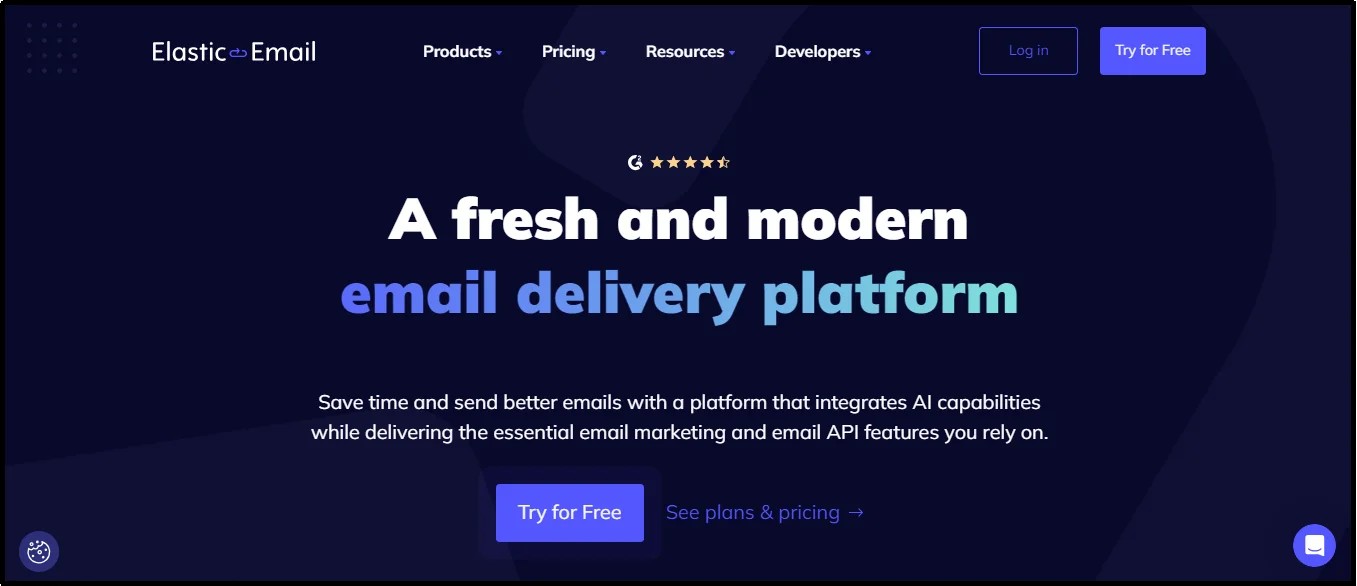
Elastic Email is an all-in-one email platform that blends transactional and marketing capabilities with strong developer-focused tools.
It offers RESTful API and SMTP access, email designers, analytics, suppression management, and in-house mail transfer infrastructure.
Ideal for growing businesses, it supports API libraries in over a dozen languages and provides optional advanced features like inbound processing, webhooks, and subaccounts.
Why You Should Consider Elastic Email
- Fully featured API and SMTP platform, complete with suppression, tracking, and email designer tools.
- Very competitive pricing, including a pay-per-use API option with no minimums. Excellent choice for businesses with tight budgets.
- Flexible feature upgrades, from basic to pro via affordable monthly plans, unlocking inbound processing, subaccounts, webhooks, and custom rDNS.
- Reliable deliverability infrastructure, powered by its in-house MTA and integrated authentication controls.
- Developer-friendly integrations, with libraries for multiple languages and simple onboarding to pair with your workflows.
Drawbacks
- Mixed user reviews on delivery. Some users report bounces or failed sends despite a positive dashboard status.
- Support for advanced features can feel wallet-dependent, as things like private IPs and premium help cost extra.
- Feature-rich offerings can confuse small teams, who only need the API rather than marketing extras. Yet even API pricing starts mid-tier, which might not be cost-efficient for micro‑use cases or businesses with a lower budget.
Pricing
- Elastic Email’s API‑only Starter plan starts at $19/month for 50,000 emails, including SMTP/API access, email designer, analytics, and suppression tools.
- The Pro plan costs $49/month and also adds inbound processing, webhooks, subaccounts, reseller features, user management, and custom rDNS.
- Pay‑as‑you‑go options are also available starting at ~$0.10/1,000 emails.
Mailjet
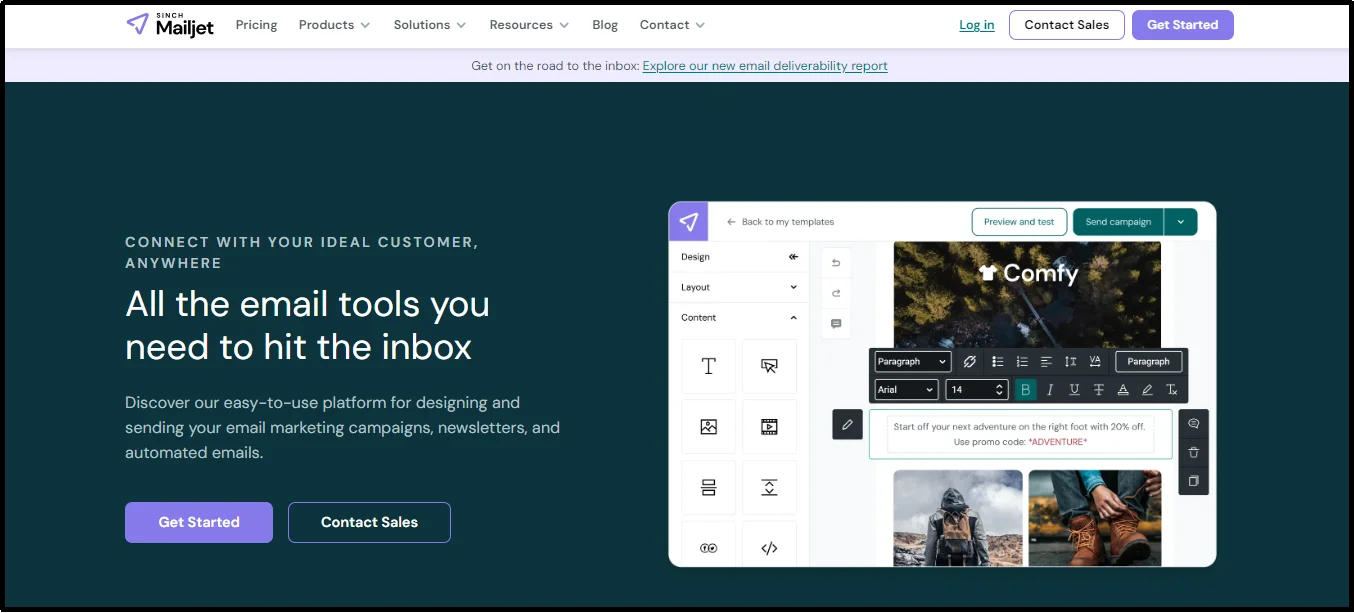
Mailjet is a versatile, cloud-hosted email platform tailored for both developers and marketing teams.
It offers a unified solution for crafting and sending transactional and marketing emails with built-in developer tools, alongside a user-friendly email editor.
Mailjet primarily uses SMTP and REST API communication protocols. It features scalable sending with features like deliverability assistance, real-time analytics, team collaboration, and dynamic content personalization.
It was founded in France in 2010, and it still emphasizes GDPR compliance, positioning itself as a cost-effective solution for code and creative email design.
Why You Should Consider Mailjet
- Collaboration between developers and designers with real-time multi-user editing in the email editor.
- Strong developer support, offering REST and SMTP APIs, webhooks, and language SDKs for full programmatic control.
- Affordable, scalable pricing with a functional free tier (6,000 emails/month) and transparent upgrade paths via Essential and Premium plans.
- Advanced personalization tools such as dynamic content using templating engines like Handlebars or Go, along with built-in features for contact segmentation and email address validation.
- Reliable deliverability infrastructure, with a dedicated team, logs, and authentication support to keep sender reputation strong.
Drawbacks
- Lacks basic automation capabilities, missing key features, such as a visual workflow editor, and advanced conditional branching tools.
- Automation is limited to a few trigger types.
- Design template options are limited, offering only a smaller selection of pre-made designs compared to dedicated ESPs, and they provide limited flexibility for creative editing.
- Support inconsistencies are reported by some users, who experience account suspensions or delays in help response, particularly on basic plans.
- Navigation is challenging. Some features can be difficult to locate within the UI.
Pricing
- Mailjet offers a generous free forever plan for up to 6,000 emails/month and 200 emails/day. Includes basic API, SMTP, email editor, logs, form builder, and up to 1,500 contacts.
- Essential starts from $17/month and includes unlimited contacts, 15,000 emails, segmentation, email validation (500/month), 1 subaccount, and email previews.
- Premium, which costs $27/month, adds dynamic content, automations, A/B testing, landing pages, multi-user access, priority support, up to 20 subaccounts, phone support at higher tiers, and more.
- You can also request a custom plan.
SMTP2GO
SMTP2GO is a developer-friendly email-sending platform that offers both SMTP and REST API access.
Offers a super clean and easy-to-use interface.
It’s designed to simplify everything from deliverability to monitoring. It automatically manages SPF/DKIM setup, blacklist monitoring, and feedback loops.
The platform also includes powerful real-time analytics, weekly report scheduling, email template management, and subaccount support.
Why You Should Consider SMTP2GO
- The setup is effortless, and it handles DKIM/SPF, spam-trap alerts, and blacklist monitoring automatically and reliably.
- Offers intuitive and developer-focused APIs with clear examples in multiple languages and hybrid SMTP/REST support.
- Allows granular tracking and templating tools, including real-time dashboards, webhook integration, and in-dashboard email template editing.
- Multi-domain and subaccount support for MSPs and agencies managing multiple clients or campaigns.
- Affordable pricing with a meaningful free tier.
Drawbacks
- Some users report deliverability issues with Outlook/Hotmail, despite correct DNS setup.
- Many have noted occasional delays in delivery, praise support, and reliability in specific workflows.
Pricing
SMTP2GO offers a persistent free plan allowing up to 1,000 emails per month. Paid plans include:
- Starter: $15/month — 10,000 emails, 30-day reporting, subaccounts, and support.
- Professional: $75/month — 100,000 emails, dedicated IP, enhanced analytics, and SMS support.
- Premier: Custom pricing for enterprise senders handling millions of emails.
That is it! These were the twelve best email API services for developers. As discussed, the «best» is the one that fits your requirements and gets the job done.
To find one, trial and error is the best choice. Select a few options from the list and sign up for the free plans to get a feel for the service before committing to the premium.
Want To Add Email APIs To Your WordPress?
If you want to add the aforementioned APIs to your WordPress, we can save you a lot of time and frustration when the code doesn’t work.
Use the Post SMTP, the most reliable SMTP plugin in the WordPress directory. It supports all major email APIs. You can integrate any service without requiring you to write a single line of code.
You get built-in authentication, detailed email logs, and advanced debugging to ensure every email is delivered as intended.
Save yourself the hassle of troubleshooting and enjoy easy integration. Whether you’re sending transactional, marketing, or automated emails.
Install Post SMTP today!
Frequently Asked Questions
Q. What is an API?
An API, or Application Programming Interface, is a set of rules and protocols that help different software applications communicate and share data. It serves as a middleman, guiding how requests are made and how responses are managed between systems.
Q. Is there a free email API?
Yes, several providers offer free email API plans with limited monthly usage, making them ideal for testing or low-volume needs. Examples include Brevo, Mailgun, and Postmark, which typically provide a set number of free emails each month. While these plans are cost-effective for small projects, higher sending limits and advanced features usually require upgrading to a paid plan.
Q. How can I send 1000 emails for free?
Numerous email API services offer free trials or free forever plans that allow sending up to 1000 emails for free. These services include Resend with a generous allowance of 3,000 emails per month. Mailersend offers a similar package. Mailtrap provides a free plan that allows up to 1,000 emails per month, and SMTP2GO offers 1000 emails per month for free.
