 OpenAI
 Perplexity
For many businesses using WooCommerce, the challenge of email deliverability is a major issue. Critical emails, such as order confirmations, shipping updates, and account notifications, often fail to reach their intended recipients.
This can lead to confused customers and more support tickets.
This common problem arises because WordPress’s default email function is prone to deliverability failures, which can lead to emails being flagged as spam, blocked by recipient servers, or simply lost in transit.
The solution is simple. All you have to do is use an SMTP provider that authenticates the emails properly, which will help the emails reach their destination reliably.
However, in 2025, with countless SMTP services available, choosing the best one is harder than ever. Thus, this article lists the five best SMTP plugins for WooCommerce, including their features, pricing, pros, and cons.
5 Best SMTP Plugins For WooCommerce
To create this list of the five best SMTP plugins for WooCommerce, we considered several key criteria.
Beyond the core function of ensuring reliable email deliverability, we looked at ease of use, advanced features, performance, pricing, and overall value, selecting solutions that are both lightweight and scalable to handle a high volume of transactional emails without slowing down your store.
The plugins on this list represent a balance of these factors. Let’s start the list with the best in the business.
Post SMTP
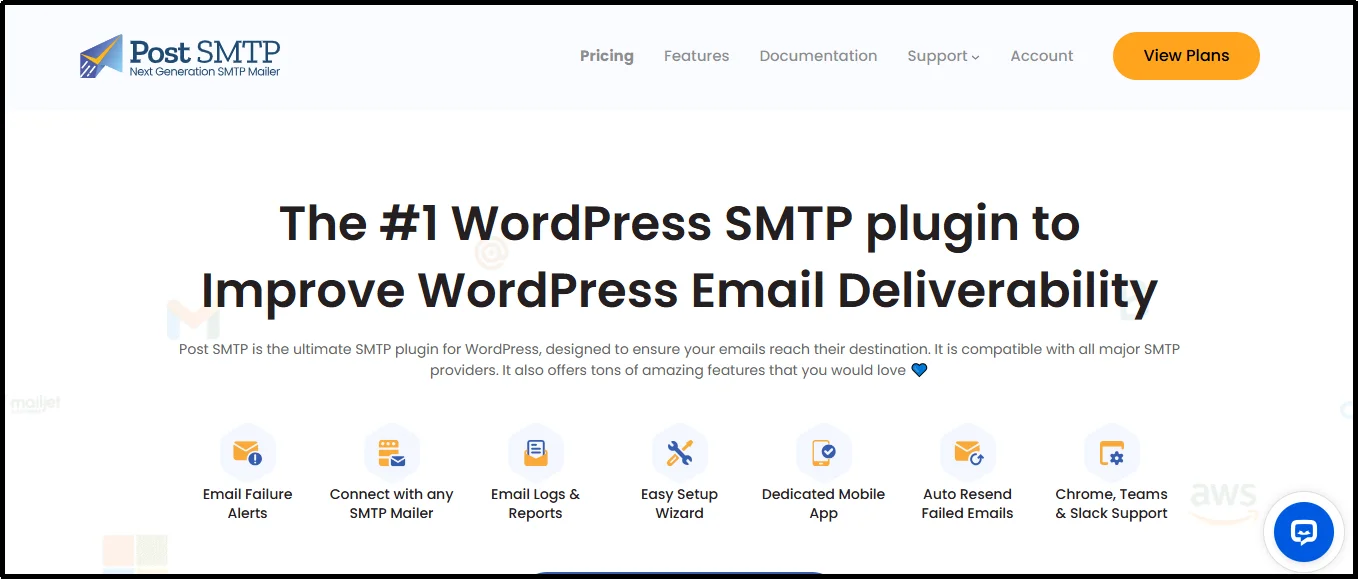
Post SMTP is a powerful and highly-regarded WordPress plugin that serves as a one-stop solution for all your email deliverability challenges. Trusted by over 400,000 website owners with a 4.7/5 star rating on the WordPress.org repository, it is a proven leader in its category.
Featuring a wide range of helpful features, the plugin is known as the richest in terms of features, as compared to others in the market. A few features that can be super helpful for WooCommerce stores are real-time failure alerts via email, push notifications (with the mobile app), or even SMS, as they let you know immediately if an order confirmation or shipping update fails to send.
Check out the full features list.
Pros
- Comprehensive Email Logging: Tracks every email, including delivery status, to help you diagnose and fix issues quickly.
- Secure Authentication: Uses OAuth 2.0 to connect to services like Gmail, enhancing security.
- Real-time Failure Alerts: Notifies you immediately if an email fails to send, preventing lost communication with customers.
- Dedicated Mobile App: A unique feature that allows you to monitor email logs, receive push notifications, and even resend failed emails from your phone.
- Auto-Retry Mechanism: Automatically attempts to resend failed emails, improving deliverability without manual intervention.
- Backup Mailer: The plugin offers a fallback SMTP connection, ensuring uninterrupted email delivery if the primary one fails.
Cons
- Initial Setup: While a wizard guides you through the process, setting up OAuth 2.0 can be more technical than simple password-based connections for some users, especially those with limited technical knowledge. For that, the plugin offers a service that does all the work for you at a nominal fee.
Pricing
Post SMTP offers a straightforward and highly affordable pricing structure, making it one of the most cost-effective solutions for WooCommerce stores of all sizes.
The plugin operates on a “freemium” model, meaning the core plugin is available for free from the WordPress.org repository. This free version provides a powerful SMTP connector, email logs, and a wide range of mailer integrations.
One must not rely on the free version of the plugin, especially when a big part of a business (emails) depends on it, but the free version is sufficient to evaluate the sturdiness of the plugin.
For those who need more advanced features, there are several Pro plans available.
These plans are priced annually and are tiered based on the number of sites they can be used on. A single-site license for the Basic version costs $59.99 per year.
To make the deal even better, Post SMTP also offers a 14-day money-back guarantee, allowing you to test the premium features risk-free.
Easy WP SMTP
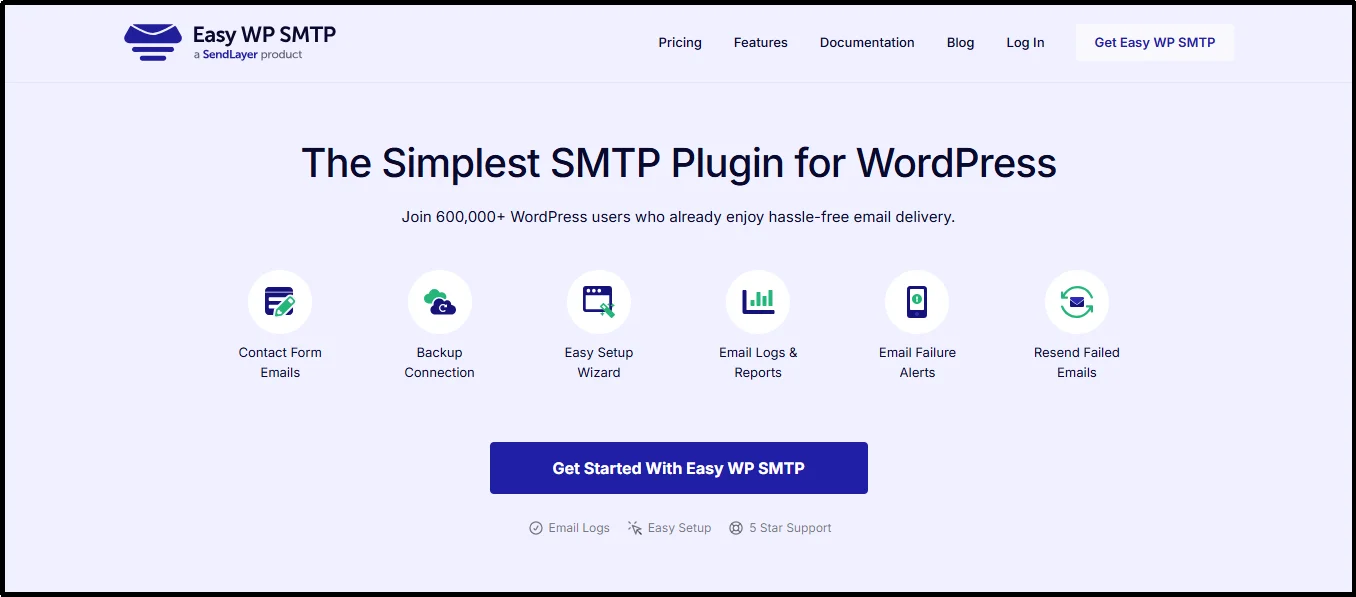
Easy WP SMTP is a popular WordPress plugin designed to solve email deliverability issues by re-routing emails through a third-party SMTP server.
It is a straightforward and reliable tool, built to handle a variety of mail services and ensure that important transactional emails from your WooCommerce store are sent securely and arrive in your customers’ inboxes. The plugin has a reputation for simplicity, making it a good fit for users who want to avoid complex configurations.
The plugin provides a few key features to help with this process. Its user-friendly setup wizard guides you step-by-step through the process of connecting your WordPress site to an external mail service. It supports popular providers such as Gmail, Outlook, SendLayer, and Mailgun, giving you a solid range of options.
Once configured, it will replace the default wp_mail() function with its more reliable method. It also includes an email test tool that allows you to verify that your new SMTP connection is working correctly quickly.
Pros
- User-Friendly: The plugin’s interface is exceptionally clean, and its guided setup makes it very easy for beginners to get started without needing technical expertise.
- Reliable Email Sending: By connecting to professional mail services, it significantly improves email deliverability and helps avoid spam filters.
- Lightweight and Fast: The code is designed to be minimal and efficient, ensuring it does not add unnecessary bloat to your WordPress site or slow down performance.
- Active Development: The plugin is regularly updated and maintained, ensuring ongoing compatibility with the latest versions of WordPress and its mail services.
- Email Test Tool: The built-in email testing feature allows you to instantly check your configuration and confirm that emails are being sent successfully.
Cons
- No Auto-Retry: It does not have an automatic retry mechanism for failed emails, meaning you must manually resend messages that fail to deliver.
- Fewer Integrations: Although it supports major mailers, the version’s list of integrations is limited compared to other plugins in the market.
- No Backup Mailer: The plugin does not offer a backup SMTP connection, which means that if your primary mail service goes down, your site will not be able to send emails.
- No Email Logs for Free: The plugin does not offer email logs in the free version, unlike other plugins, such as Post SMTP, which provide detailed email logs in their free plan.
Pricing
Easy WP SMTP operates on a freemium model. A basic version of the plugin is available for free from the WordPress plugin repository, which provides limited functionality. For users who need more advanced features, such as comprehensive email logging, priority support, and additional mailer integrations, a Pro license is required.
The pricing for the Pro version is tiered based on the number of sites you need to use the plugin on, with the single-site license starting at a fixed annual fee.
The Plus plan, the best deal according to the plugin, $99.50 per year for 5 sites, offering tons of helpful features.
Brevo

Brevo (formerly Sendinblue) is a WordPress plugin that also offers email marketing services. The plugin ensures emails sent from your WordPress site are reliably delivered to inboxes by using Brevo’s SMTP service instead of the default wp_mail function.
While Brevo’s SMTP service is a great way to improve email deliverability for your WooCommerce store, it is best suited for those who want a complete email marketing solution.
This is because the core functionality and advanced features, including marketing automation, landing pages, and a CRM, help businesses that want a complete email marketing platform.
Pros
- User-friendly Interface: Great for beginners but also has advanced features for experienced marketers.
- A Complete Solution: Includes email marketing, transactional emails, SMS, web push notifications, and a CRM.
Cons
- Higher Costs: The cost of paid plans can be high if you only need an SMTP service, as the pricing is based on the number of emails sent per month rather than a flat rate.
- You’re Locked Into the Brevo Service: Unlike multi-API connector plugins, this plugin is an official Brevo product that only works with the Brevo API. If you wanted to switch to a different email service provider in the future, you would have to install and configure a different plugin.
- Limited Direct Integrations: Integrations are limited comparatively. While it integrates with major form builders and e-commerce platforms like WooCommerce, some users have reported limitations with syncing specific WooCommerce data.
Pricing
The cost of sending emails is tied directly to a premium plan on the Brevo platform itself. This means you are not paying a plugin license fee but rather for a comprehensive service that includes email volume and other features.
Brevo’s pricing is primarily based on the number of emails you send per month. 100,000 emails, on the starter plan can cost up to $62.08 per month. Also, there are additional charges, for example, if you want to remove the Brevo branding sticker from the bottom of the emails expect to charge an additional $10.80/month.
WP Offload SES
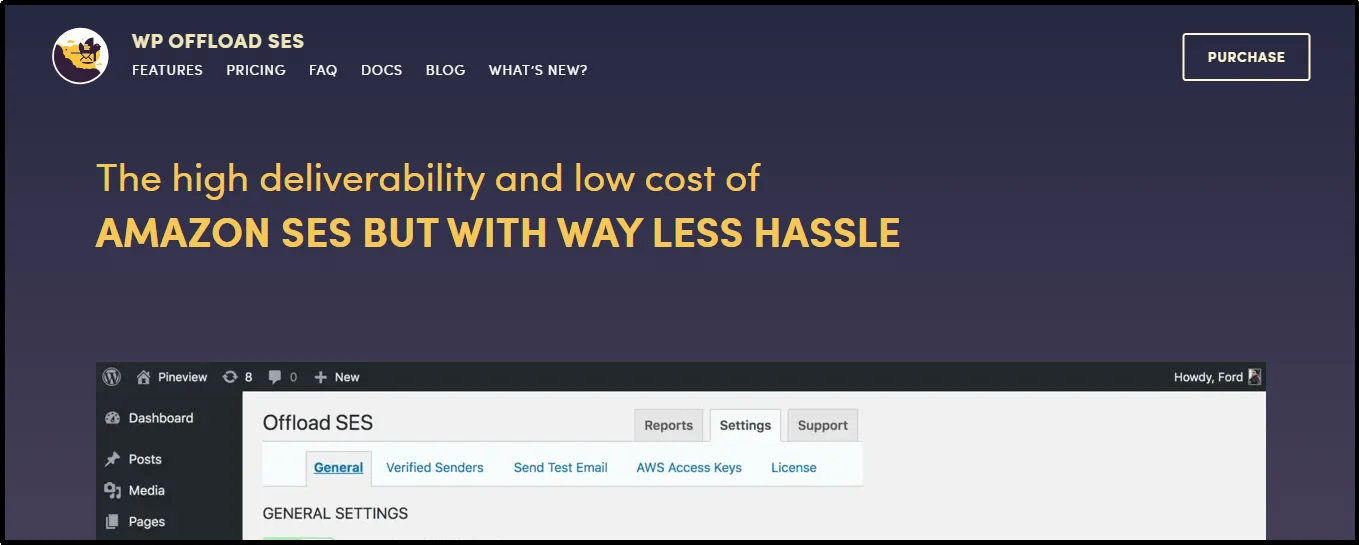
WP Offload SES is another plugin designed to integrate your WordPress site directly with Amazon’s Simple Email Service (SES). Developed by Delicious Brains, this plugin streamlines the process of using Amazon SES to send all of your WordPress and WooCommerce emails.
It is a powerful tool for site owners who need the reliability, scalability, and cost-effectiveness of a major cloud service like AWS for their email delivery, without the complexity of configuring Amazon’s platform from scratch. The plugin is built to be a simple and effective bridge between your site and the Amazon SES API.
In fact, in an article where we learned to set up an SMTP server for less than $100, we also utilized Amazon’s affordable email API services.
Pros
- High Deliverability: It leverages the reliable and trusted infrastructure of Amazon SES to ensure your emails are delivered to inboxes, not spam folders.
- Detailed Email Logs: The plugin keeps a full log of every email sent, which is crucial for troubleshooting and monitoring the status of your WooCommerce communications.
- Auto-Retry Mechanism: If an email fails to send due to a network issue, the plugin will automatically attempt to resend it, preventing lost messages.
- Advanced Analytics: It includes features like open and click tracking, which are invaluable for understanding how customers interact with your emails.
Cons
- Service Lock-In: The plugin only works with Amazon SES. If you want to switch to a different service provider, you will need to uninstall this plugin and reconfigure your entire email setup.
- Complex Setup: While the plugin simplifies the process, setting up a new Amazon SES account and verifying your domains can be more technically involved than using a simpler SMTP service.
- No Multi-Mailer Support: It does not allow for a backup mailer connection from a different provider, which could be a point of failure if Amazon’s service were to have an outage.
- Requires Separate AWS Account: You must have a separate Amazon Web Services account and handle its associated costs and configurations, which can add a layer of complexity for some users.
Pricing
The WP Offload SES plugin offers a freemium model where functionality is limited to basic sending features. To access advanced tools like detailed email logging, auto-retry sending, and open and click tracking, you must purchase a premium license.
The pricing differs depending on the number of sites you need to use it for. There are five plans named Bronze, Silver, Gold, Platinum, and Adamantium, starting from $80 for one site. Similarly, for five sites, you can opt for the Gold plan, which costs $160 and includes additional benefits.
WP Mail SMTP

WP Mail SMTP, another widely used WordPress SMTP plugin, has over 4 million active installations. It is a product of the WPForms team, a company known for its user-friendly and feature-rich plugins.
This plugin is designed as a complete email management solution for WordPress. Its notable feature is the one-click setup wizard, which makes connecting to popular mail services incredibly easy for users of all skill levels. They also offer comprehensive email logging, which tracks every email sent from your site and provides detailed insights into its delivery status, a feature that can be helpful for e-commerce stores.
Pros
- Comprehensive Features: The Pro and Elite versions offer a complete suite of tools, including email tracking, a backup connection, smart email routing, and more.
- Good Customer Support: The higher-tier plans provide access to priority support from a dedicated team of experts.
- White Glove Setup: A unique, hands-off service where their team of experts will configure the plugin for you, ensuring a flawless setup.
- Wide Mailer Compatibility: It supports a large number of third-party mailers for a flexible solution.
Cons:
- Aggressive Upsell: The free version constantly prompts users to upgrade to a Pro plan to unlock key features that other plugins offer for free.
- Feature Overload: For a user who only needs a basic SMTP solution, the sheer number of features can be overwhelming, unnecessary, and costly.
- Renewal Costs: The introductory pricing is often a significant discount, with subsequent annual renewals at a much higher, full price.
- Heavily Coded: Compared to more lightweight plugins, WP Mail SMTP can add more to your website’s codebase, which might affect performance.
- No Email Logs for Free: Similar to Easy WP SMTP, the email log feature is exclusive to premium users only, which is a crucial feature required for making informed decisions. Post SMTP offers detailed email logs in its free plans.
Pricing
WP Mail SMTP operates on a freemium model, but its true power is reserved for its paid plans. Similar to others on the list, the pricing is tiered based on the number of sites you require.
To gain access to essential features like priority support, users must opt for a higher-tier plan.
The Elite plan, which includes all features and priority support, is priced at $99/year for a single site. For freelancers and agencies, the best value is the Developer plan, which costs $199/year and allows for use on up to 20 sites, making it a powerful but costly solution.
That concludes the list. Although it’s understandable to wonder why we haven’t included any free SMTP plugin, even though there are many of them, here’s the justification…
How SMTP Plugins Help With Email Deliverability?
To understand why SMTP plugins are so essential for WooCommerce, it’s important to understand how emails are sent from a standard WordPress site. By default, WordPress uses the wp_mail() function. This function relies on your web server’s built-in mail server (typically a local PHP mail() function) to send emails.
This method lacks proper email authentication. Emails sent this way don’t come with the digital “credentials” that modern spam filters look for. When an email arrives at its destination, the receiving mail server performs a series of checks to verify its authenticity.
Without proper authentication, these emails look suspicious and are often flagged as spam, quarantined, or rejected outright.
These “credentials” are protocols like SPF, DKIM, and DMARC. Here’s how they work:
- SPF (Sender Policy Framework): This is a DNS record that lists the IP addresses of the servers authorized to send emails on behalf of your domain. The receiving server checks this list to confirm that the email came from an approved source.
- DKIM (DomainKeys Identified Mail): This protocol adds a digital signature to the email header. This signature is created using a private cryptographic key, and the receiving server uses a public key (published in your domain’s DNS records) to verify that the email’s content has not been tampered with in transit.
- DMARC (Domain-based Message Authentication, Reporting, and Conformance): DMARC is a set of rules that tells a receiving mail server what to do if an email fails either the SPF or DKIM check. The policy can be set to “none” (monitor only), “quarantine” (send to spam), or “reject” (block the email entirely).
When you use a WooCommerce store’s default email sending method, none of these protocols are properly configured, causing low deliverability.
An SMTP plugin solves this problem since it doesn’t rely on your web server. The plugins re-route all emails generated by WooCommerce through a professional, third-party email service provider, which specializes in email delivery and has excellent sender reputations.
Now that you understand the importance of SMTP plugins, here are the five best of them to help you make sure your emails land where they need to.
Why You Must Not Use Free SMTP Services for Business
Relying on a thing that is “free” for your business already sounds like a bad idea, and we haven’t even elucidated on the idea yet.
For your WooCommerce store’s email communication is a high-risk strategy that can severely impact your business. The temptation to avoid an extra cost is understandable, but for a growing business, the long-term consequences far outweigh the initial savings.
Here are just a few critical reasons why free SMTP services should be avoided:
- Unreliable Deliverability: Free SMTP servers are often used by spammers and have poor sender reputations. This means that even your legitimate transactional emails are at high risk of being flagged as spam by mail providers like Gmail and Outlook.
- Severe Sending Limits: Free services impose strict daily or hourly sending limits. A WooCommerce store that experiences a sudden spike in orders or sends a large marketing campaign can quickly hit these limits, causing critical emails to be delayed or simply not sent at all. This can lead to a breakdown in customer communication and a loss of revenue.
- No Customer Support: When something goes wrong with a free service—and it will—you are on your own. There is no dedicated support team to help you troubleshoot delivery issues, fix errors, or get your emails back on track. This can lead to hours of frustration and lost business as you try to diagnose a problem without expert assistance.
- Lack of Essential Features: Free services rarely offer the tools a business needs to be successful. You will not have access to essential features like detailed email logging, which helps you see which emails were delivered and which bounced, or auto-retry mechanisms that automatically attempt to resend failed emails.
- Shared and Unmonitored IPs: Free SMTP services use shared IP addresses. If another user on that same shared IP is sending spam, it can damage the reputation of the entire IP, including yours. This can lead to your emails being blacklisted, an issue that is very difficult and time-consuming to resolve.
Ultimately, your email communication is the lifeblood of your WooCommerce store. Investing in a reliable, paid SMTP service is a vital part of your business infrastructure. It ensures your customers receive the information they need and protects your brand’s reputation.
Which One’s the Best For You?
After thorough evaluation of not only these but all the SMTP plugin for WooCommerce, we can confidently say Post SMTP is far ahead of the competition.
While others are viable options, their business models can be limiting. WP Mail SMTP’s aggressive upselling and high premium costs mean you often have to pay for a full-featured plan just to access essential tools that Post SMTP offers in its free version.
Post SMTP is a true all-in-one solution that provides a level of functionality that its competitors cannot match. Features like its dedicated mobile app for real-time alerts, email logs, and advanced auto-retry mechanisms give you a level of control that is essential for any e-commerce business.
For any WooCommerce store owner who wants reliable email delivery, a wealth of features for troubleshooting, and the freedom to choose their preferred email service, Post SMTP is the clear choice. It is a powerful, feature-rich, and highly valuable solution that empowers you to take complete control of your email deliverability.