



























Most WordPress emails never reach the inbox. They’re throttled, filtered, or blocked entirely. That’s why password resets fail, WooCommerce order confirmations land in spam, and contact form messages vanish.
Installing a reliable SMTP plugin replaces WordPress’s default wp_mail() function with authenticated, encrypted email delivery via a trusted SMTP provider such as Gmail, Amazon SES, or Mailgun.
That’s why we’ve put genuine effort into making this WordPress SMTP plugin comparison as accurate as possible. Every plugin here earned its place.
How We Evaluated the Best SMTP Plugins for WordPress
Not every SMTP plugin meaningfully improves WordPress email deliverability. Some only provide basic SMTP credentials without email logs, routing controls, or failure monitoring, leaving you blind when messages fail.
For this comparison, we evaluated each SMTP plugin against six practical criteria that directly impact reliability, monitoring, and long-term usability:
- Ease of setup: Can a non-developer configure it without touching code?
- SMTP provider support: Does it integrate with major transactional email services like Gmail, Microsoft 365, Zoho Mail, Mailgun, SendGrid, Amazon SES, etc?
- Email logging: Does it record sent emails with delivery status, error details, and the ability to resend for troubleshooting?
- Deliverability reliability: Does it consistently improve WordPress email deliverability?
- Free vs. paid value: Is the free version genuinely usable for production sites, or are essential features locked behind a paywall?
- Active maintenance: Is the plugin regularly updated for current WordPress versions?
One thing most guides skip: SMTP plugins are connectors. They hand your email off to a sending service, such as Gmail, Zoho Mail, Amazon SES, etc., and that service determines your actual deliverability. Choose both wisely.
List of The 8 Best SMTP Plugins for WordPress in 2026
#1 Post SMTP
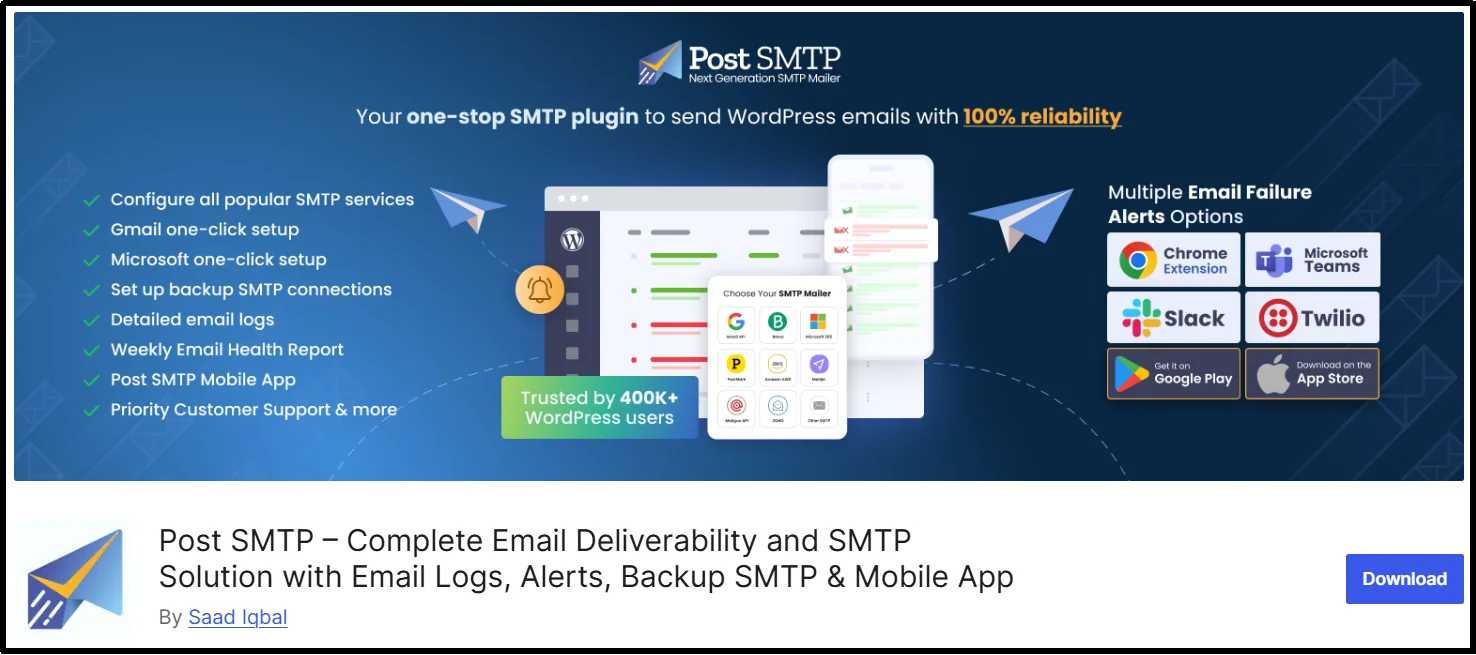
Post SMTP is one of the most feature-rich free SMTP plugins for WordPress, particularly strong in diagnostics and failure monitoring. It offers 15+ email service provider options and provides features that most plugins lock behind paid tiers, such as email logs, failure alerts across multiple channels, a built-in spam score checker, and a dedicated mobile app.
With over 300,000 active installs, it’s widely used on client and WooCommerce sites where email reliability directly impacts revenue.
Key Features:
- 15+ email service providers, including Gmail, Zoho Mail, Microsoft 365 (Outlook), Mailgun, SendGrid, Amazon SES, and Mailtrap.
- One-click SMTP Configuration for Gmail and Microsoft 365 (Outlook)
- Detailed email logs with search, filtering, and one-click resend for failed messages.
- Built-in email testing – Easily send test emails to verify your SMTP configuration before sending live emails.
- Auto-resend for failed emails – automatically retries on delivery failure
- Backup SMTP connection – Provides automatic failover to a secondary SMTP provider to maintain consistent WordPress email deliverability.
- Multi-channel failure alerts – email, Slack, Microsoft Teams, Twilio SMS, Webhook, and Chrome Extension
- Dedicated mobile app – monitor delivery and receive push alerts on the go.
- Built-in spam score checker – tests SPF, DKIM, and DMARC configuration in real time
- Smart 3-step setup wizard that allows you to configure SMTP in seconds.
- Daily, weekly, and monthly email health reports
- And much more.
Pricing: You can get the free version on WordPress.org. Pro plans start at $4.99/month with advanced analytics, open tracking, and priority support. Annual and lifetime options available.
Best for: Site owners who want serious diagnostics and multi-channel failure alerts without paying for a premium plugin. Also, the strongest free SMTP option for WordPress sites and WooCommerce stores, where failed emails cost money.
#2 FluentSMTP
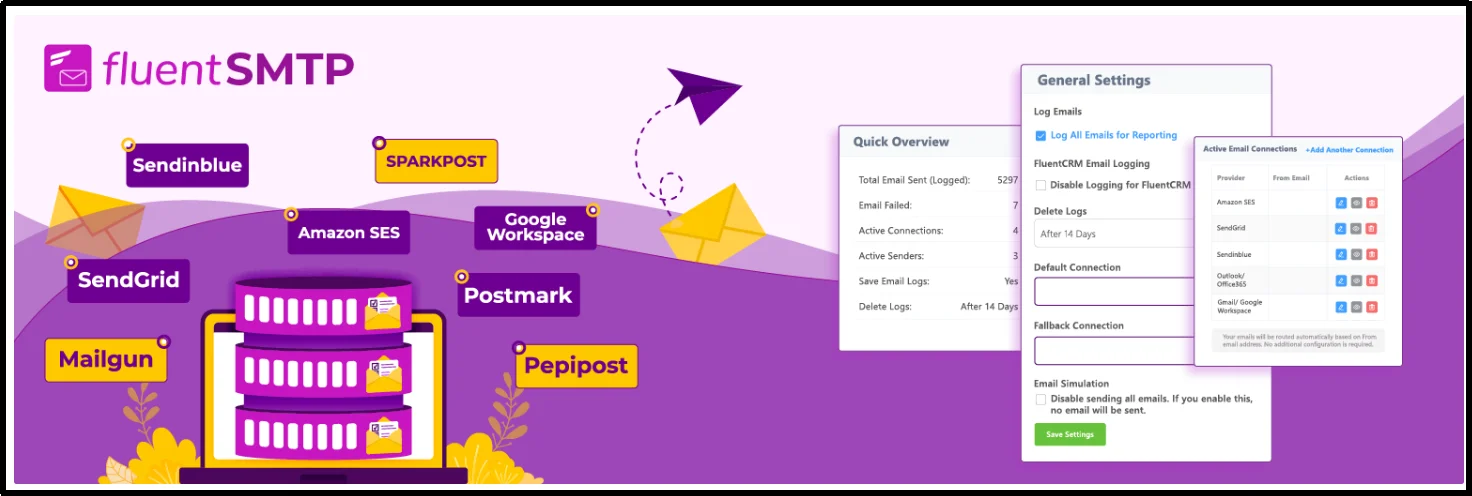
FluentSMTP is a fully featured, zero-upsell email delivery WordPress plugin built by the team behind FluentCRM and FluentForms. It’s completely free with no premium upsell, making it one of the few SMTP plugins that includes advanced routing and logging without a paywall.
Its standout capability is simultaneous multi-connection support: you can connect several SMTP providers at once and route different email types through different providers, all for free.
Key Features:
- Connect multiple SMTP providers simultaneously with routing rules
- Supports Gmail, Outlook, Amazon SES, Mailgun, SendGrid, SparkPost, Postmark, and more
- Full email log with search and filtering
- Native integration with FluentCRM and FluentForms
- No premium tier – every feature is free
What’s missing: No failure alerts beyond basic email notification. No mobile app, no Slack/Teams integration, no auto-resend.
Pricing: 100% free. No paid tier exists.
Best for: WordPress users who want multi-connection routing and complete email logging at zero cost.
#3 SureMail
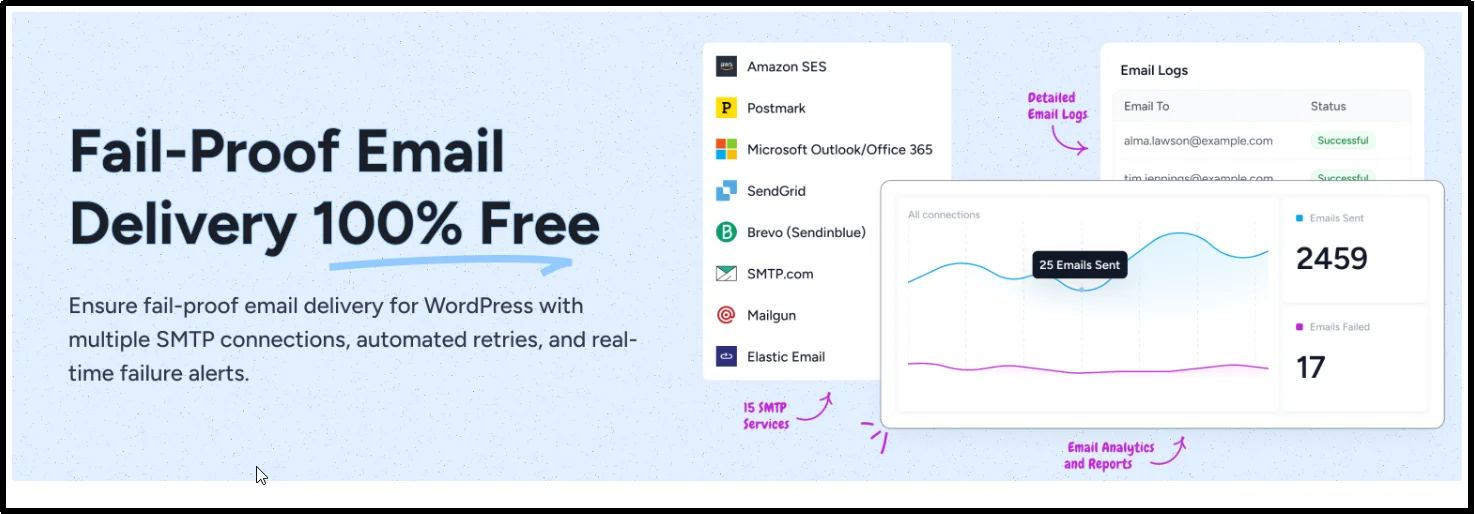
SureMail is a newer entrant in the WordPress transactional email plugin space, with a clear focus on automatic failover. If your primary SMTP connection goes down, SureMail silently routes through a backup – a feature most plugins charge for. It also supports content-based routing rules so that you can send transactional mail through one provider and notifications through another.
Key Features:
- Automatic failover among multiple SMTP connections
- Supports Mailgun, SendGrid, Amazon SES, Resend, and other major providers
- Email logging with status tracking and email resending option.
- Content-based routing rules (e.g., WooCommerce orders via SES, contact forms via Mailgun)
- Clean setup wizard
What’s missing: The mobile app is not available, and the email log is functional but has fewer features than Post SMTP.
Pricing: Free core plugin. Some advanced features require SureCart’s broader ecosystem.
Best for: Business-critical WordPress sites that need automatic failover routing without setting up a complex third-party infrastructure.
#4 Easy WP SMTP

Easy WP SMTP does one thing well: it gets you from zero to authenticated SMTP sending as fast as possible. Easy to set up with a clean form where you enter your SMTP host, port, and credentials, and you’re done.
Key Features:
- Standard SMTP configuration with SMTP Credentials and via APIs.
- Supports Gmail, Outlook, and generic SMTP providers
- Test the email function to verify the configuration immediately
- Extremely lightweight – minimal impact on site performance
- Backup connection support in the Pro version
What’s missing: No email logging in the free version. No failure alerts. No delivery diagnostics.
Pricing: It has a free version. The pro version starts at $ 49.50/year and adds backup connections, additional integrations, and premium features.
Best for: Beginners and small site owners who need a basic, reliable SMTP connection and have no interest in logs or monitoring.
#5 WP Mail SMTP

WP Mail SMTP is the most widely installed SMTP plugin for WordPress, with over 4 million active installations. It has the broadest provider support, the most polished onboarding wizard, and a recognizable name – which is largely why it dominates install counts. Its best features (email logging, smart routing, detailed reports) are gated behind paid plans, making it a premium SMTP plugin for WordPress.
Key Features:
- Supports Gmail, Outlook, Mailgun, SendGrid, Amazon SES, Zoho, and more providers than any other plugin in this list
- Email log with delivery reports (Pro)
- Smart routing between multiple SMTP connections (Pro)
- Weekly email summary reports
- White-glove setup service available
What’s missing: The free version lacks an email log, making troubleshooting delivery problems nearly impossible without upgrading.
Pricing: Free version available. Pro plans from $49/year for logging, routing, and priority support.
Best for: WordPress site owners who want the most widely supported option and are comfortable paying for logging and advanced features.
#6 Brevo WordPress Plugin

The Brevo plugin (formerly Sendinblue) is the only option in this list built by an email service provider. Instead of connecting to a third-party SMTP service, it integrates directly with Brevo’s own sending infrastructure via API – no SMTP credentials required, which makes it a secure email plugin for WordPress that also handles marketing campaigns, subscriber sync, and open tracking in one dashboard.
Key Features:
- Direct API integration with Brevo’s transactional email sending service
- Sync WordPress users and form submissions directly to Brevo contact lists
- Real-time delivery and open tracking within the Brevo dashboard
- No SMTP credentials required – API key only
- Handles both transactional and marketing email from one platform
What’s missing: If you’re not using Brevo as your sending service, this plugin is irrelevant. It’s not a generic SMTP connector.
Pricing: Free for up to 300 emails/day on Brevo’s free plan. Paid plans start from $9/month for higher volume and advanced features.
Best for: WordPress sites already using Brevo for email marketing who want to consolidate transactional and campaign email into one platform.
#7 SMTP Mailer

SMTP Mailer is about as minimal as a secure email plugin for WordPress gets. No dashboard, no logs, no upsells – just standard SMTP authentication that connects WordPress to any mail server. It’s the right tool for developers who know exactly what they’re doing and don’t want any overhead.
Key Features:
- Connects to any SMTP server using standard host/port/credential authentication
- Supports SSL and TLS encryption
- Simple test email function
- No account or API key required
- A very simple user interface
What’s missing: No email logging, no failure alerts, no diagnostics of any kind.
Pricing: Free. No premium tier.
Best for: Developers and technically capable site owners who need a minimal, no-overhead SMTP connection and handle monitoring elsewhere.
#8 Solid Mail
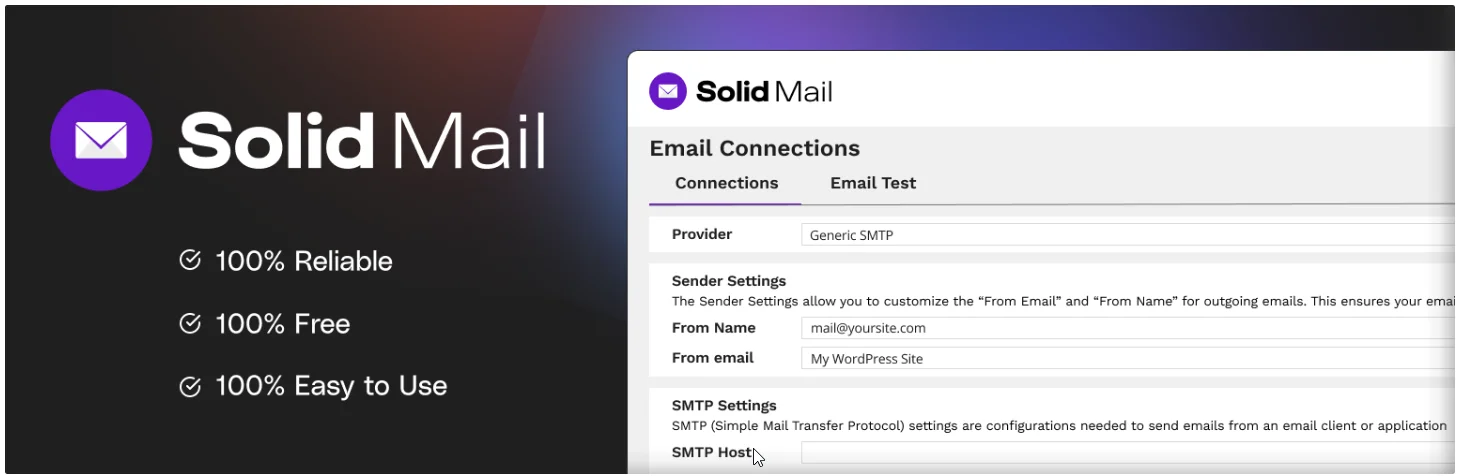
Solid Mail (previously WP SMTP, now rebranded under the SolidWP umbrella) is built by the team behind Solid Security and Solid Backups. It emphasizes reliability and compatibility over feature depth – a reasonable priority for a plugin maintained by a company that also manages WordPress security products.
Key Features:
- Supports major SMTP providers APIs and SMTP credentials.
- Built-in email log with resend capability
- Compatible with WordPress multisite installations
- Integrates with the broader SolidWP plugin ecosystem
- Actively maintained by an established WordPress development team
What’s missing: No multi-channel failure alerts. Limited compared to Post SMTP or FluentSMTP in advanced features.
Pricing: It’s free to use.
Best for: SolidWP users and site owners who prioritize reliability and long-term maintenance continuity over advanced features.
Which WordPress SMTP Plugin Should You Choose?
The right SMTP plugin depends on your site type, email volume, and monitoring needs. Here’s a practical breakdown:
- For most WordPress sites: Start with Post SMTP (free). It’s the only plugin that ships with a full email log, multi-channel failure alerts, auto-resend, a built-in spam score checker, and a mobile app – all for free. Most sites won’t need anything else.
- For multi-connection power users: FluentSMTP is the better choice if your core need is routing different email types through different providers simultaneously, and you want that capability at zero cost forever.
- For WooCommerce stores and high-volume sites: Post SMTP Pro or WP Mail SMTP Pro. On high-volume WooCommerce stores, a failed order confirmation means lost revenue, chargeback disputes, and increased support tickets. Both offer the logging, retry logic, and alerting that matter at scale. Post SMTP Pro adds Slack/Teams alerting and open tracking.
- For Brevo users: If Brevo is already your sending infrastructure, use the Brevo Plugin and skip the separate SMTP connector entirely.
- For developers: Post SMTP and SMTP Mailer. No overhead, no upsells, connects to anything. Done.
To wrap it up, among the top WordPress plugins for email, only a few offer real logging and failure monitoring without a paywall. The right SMTP plugin for WordPress isn’t the one with the most installs or the flashiest marketing page – it’s the one that fulfills your needs fast. For most sites, that’s Post SMTP on any tier. Whatever you choose, pair it with a proper sending service, verify your SPF and DKIM records, and run a mail test before you go live.
As part of this WordPress plugin comparison guide, we also addressed the most common technical questions site owners face.
Frequently Asked Questions
Do I need a paid SMTP plugin to improve WordPress email deliverability?
No. Free options like FluentSMTP and Post SMTP (free tier) both include email logging and support major sending services. A paid plugin adds convenience features – advanced reporting, priority support – but the core deliverability improvement comes from using an authenticated SMTP service, not from the plugin tier itself.
Which SMTP plugin works best with WooCommerce?
WP Mail SMTP Pro and Post SMTP Pro are the most commonly recommended for WooCommerce because they include email logging and retry/resend features. When an order confirmation fails to send, you need to know immediately – and that requires a log. FluentSMTP’s free logging also makes it a strong WooCommerce option.